
 By Todor Atanasov
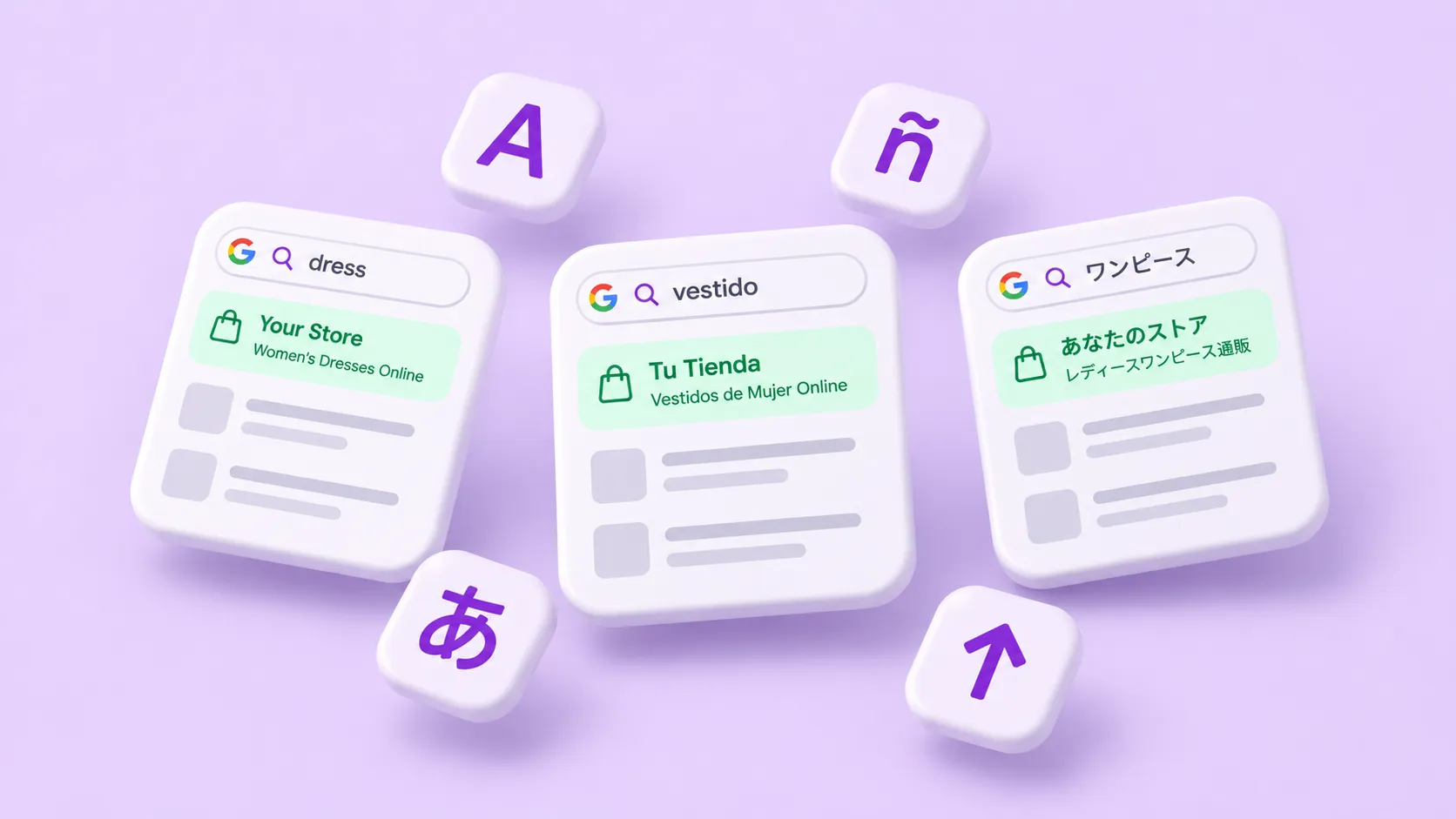
Translating your store is half the job. The other half is making sure shoppers can find it. A German shopper searches Google in German. If your store only answers in English, you don’t show up, no matter how good your products are.
The good news: Shopify does most of the technical work for you. This guide explains what Shopify handles, what you need to do yourself, and the mistakes that keep translated stores out of search results.
How Google finds each language
Google needs a separate address for each language version of a page. Its own guidance says it recommends different URLs for each language version, not one page that changes language with cookies or browser settings.
Shopify follows this rule. When you publish a language, each page gets its own URL in that language:
- Subfolders, such as
yourstore.com/de/. This is the most common setup and needs no extra domain. - Subdomains, such as
de.yourstore.com. - Separate domains, such as
yourstore.de, set up per market in Shopify Markets.
Subfolders are the simplest choice for most stores. All language versions share the authority of your main domain. Separate domains make sense when you run a truly separate business in a country.
What Shopify does for you
Once a language is published, Shopify takes care of three technical tasks:
- hreflang tags. These tags tell Google which pages are translations of each other, so it shows the right version to each shopper. Shopify adds them automatically for every published language.
- Sitemaps. Shopify includes all published languages in your sitemap, so Google can discover every translated page.
- No redirects for search engines. Shopify can send shoppers to the right market, but it doesn’t redirect search engine crawlers. Google can reach every version of your store.
Google’s rules for hreflang are strict. Every language version must link to every other version, and to itself. If two pages don’t point to each other, Google ignores the tags. Since Shopify builds the tags for you, you don’t have to manage this by hand. Just don’t add your own hreflang tags on top through theme code.
One thing to know: an unpublished language is hidden. Its pages don’t appear on your storefront or in your sitemap. Publish a language only once its translations are ready.
Translate the whole page, not just the product text
Google decides the language of a page from its visible content. It doesn’t rely on the language code in your theme or the URL. So a German URL full of English text is, to Google, an English page.
Google also advises one language per page, for both the content and the navigation. A page with a German product description but English menus, buttons and footer sends mixed signals and feels unfinished to shoppers.
Translate everything a shopper sees:
- Product and collection titles and descriptions
- Theme texts: menus, buttons, the cart, the footer
- Filters, blog posts and policies
- Image alt text
- Content from other apps, such as reviews
Text that slips through often hides in theme code or inside images. Here’s how to find and fix it.
Translate your SEO fields
Meta titles and meta descriptions are what shoppers see in Google results. If you skip them, a German search result can show an English title under a German URL. That costs clicks.
Shopify lets you translate the meta title and meta description of products, collections, pages, blogs and articles. TLab translates them with the rest of your content, by hand or with AI. Check your home page too. Its meta title and description sit in your store settings, and TLab translates them as well.
Keep the same rules as in your main language. A meta title should stay under about 60 characters. A meta description should say clearly what the page offers. AI translation can make text longer, especially in German or French, so check the length of your most important pages.
Should you translate URL handles?
The handle is the end of a product URL, like /products/wool-jumper. Shopify lets you translate it, so German shoppers see /de/products/wollpullover. The word products itself stays the same in every language.
Translated handles have real benefits. They look natural to local shoppers, and they repeat the keyword in the shopper’s language.
They also come with a risk. A handle is part of the URL, so changing it changes the address of the page. If Google already indexed the old URL, or other sites link to it, check that the old address redirects to the new one. Otherwise visitors land on a 404 page.
The safest approach:
- Translate handles before you publish a new language, while nobody links to the pages yet.
- Use readable words without special characters.
- After a change, open a few old URLs and check that they still lead to the right page.
TLab translates handles on the Pro plan and up. You can keep the native script of the language, or limit handles to Latin letters only.
Use the words your shoppers search for
A perfect translation can still be the wrong keyword. People in different countries use different words for the same thing. British shoppers search for “trainers”, Americans for “sneakers”. A word-for-word translation of your product title may not be what anyone types into Google.
For your most important products and collections, check how people search in that language. Google’s autocomplete in the target country is a free place to start. When you find the right term, make it stick:
- Add a “Translate as” rule to your Glossary in TLab. Every AI translation then uses that exact term, on every product.
- Describe your store in Store Context. The AI then picks words that fit your products and your shoppers.
AI translation and Google
Can you use AI translation without hurting your rankings? Yes, if you do it with care. Google states that appropriate use of AI or automation is not against its guidelines.
What Google does target is scaled content abuse: pages made in bulk to manipulate rankings, with little value for users. Its examples include automated translation that adds little value.
A translated store that helps shoppers buy in their own language is not that. Just make sure the translation is good:
- Review your key pages before you publish a language.
- Use a Glossary so brand and product names stay correct.
- Keep translations up to date, so pages don’t mix old and new text. In TLab, Autopilot does this on the Premium plan.
Don’t force a language on shoppers
It’s tempting to switch shoppers to a language automatically, based on their location. Google advises against automatic redirects based on what you think a user’s language is. A Spanish speaker in Germany may not want German.
Let shoppers choose instead. Add a visible language switcher to your store. TLab includes one on every plan, with flags and a choice of where it sits on the page.
Your multilingual SEO checklist
- Each language published, with its own URL
- No extra hreflang tags added in theme code
- Every visible text translated: content, theme, menus, alt text
- Meta titles and descriptions translated and checked for length
- URL handles translated before launch, or old URLs redirected
- Key terms checked against local search habits and locked in the Glossary
- Translations reviewed and kept up to date
- A language switcher, and no forced redirects
Frequently asked questions
Does Shopify add hreflang tags automatically?
Yes. Shopify adds hreflang tags for every published language. You don’t need an app or theme code for them.
Will a translated store rank in other countries?
It can. Each language gets its own URLs, which Google can index and show to local shoppers. How high a page ranks still depends on the usual factors, like content quality and competition.
Is AI-translated content bad for SEO?
Not by itself. Google judges content by its quality and value to users, not by how it was made. Review your translations, and avoid publishing thin pages in bulk.
Should I use subfolders or separate domains?
For most stores, subfolders like yourstore.com/de/ are the simplest choice. Separate domains suit stores that run a separate business in each country.
Get found in every language
Shopify handles the URLs, the hreflang tags and the sitemap. You handle the words. Translate every page fully, fix your SEO fields, and use the terms your shoppers search for. Install TLab free to translate your store, its SEO fields and its URL handles in one place.